Sync

Jobber

records

with your other apps

Use Byteline to let Jobber and your other apps communicate. Update records in real-time, imports data automatically, and set filters.

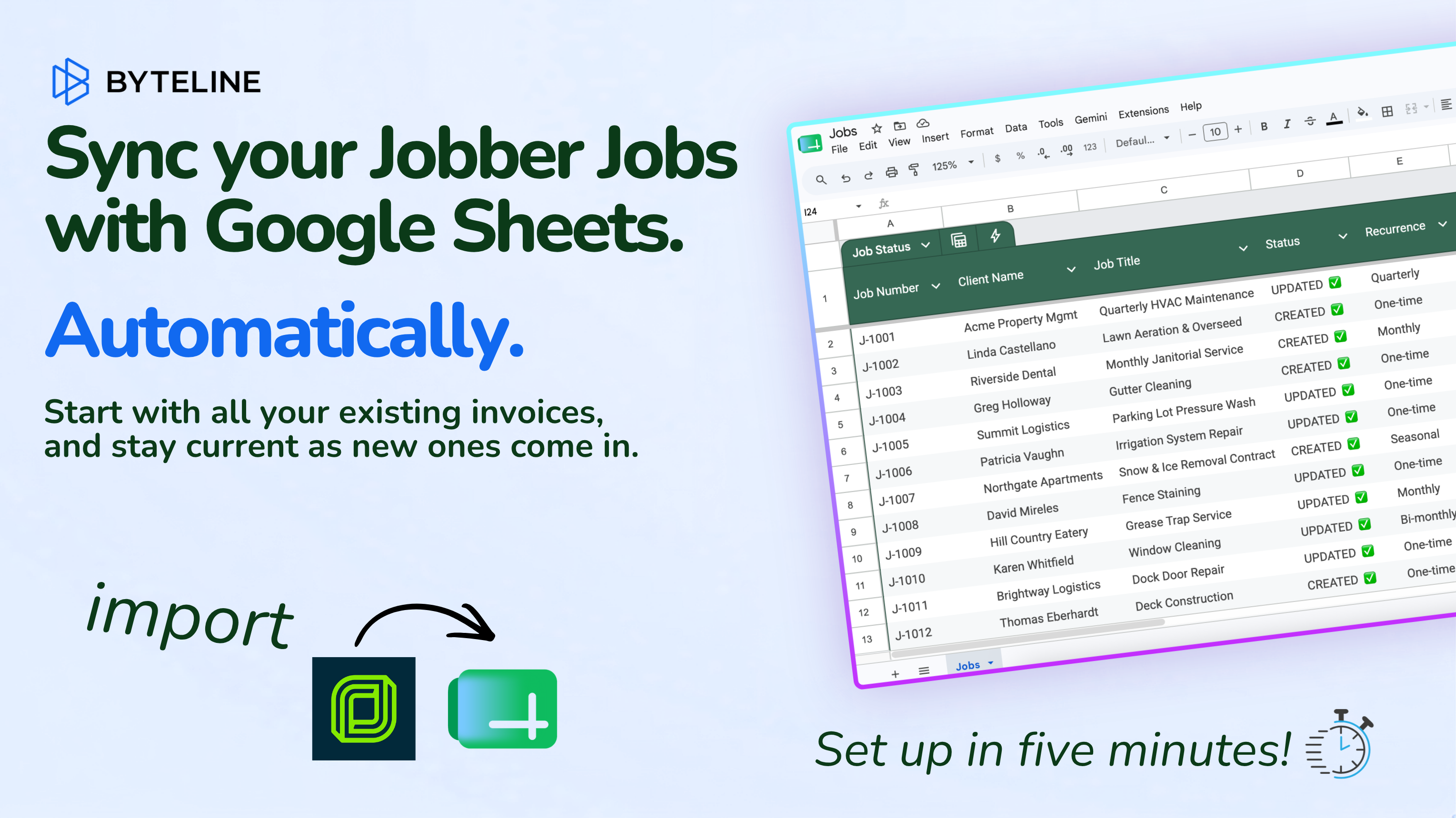
Need your Jobber data in Google Sheets?

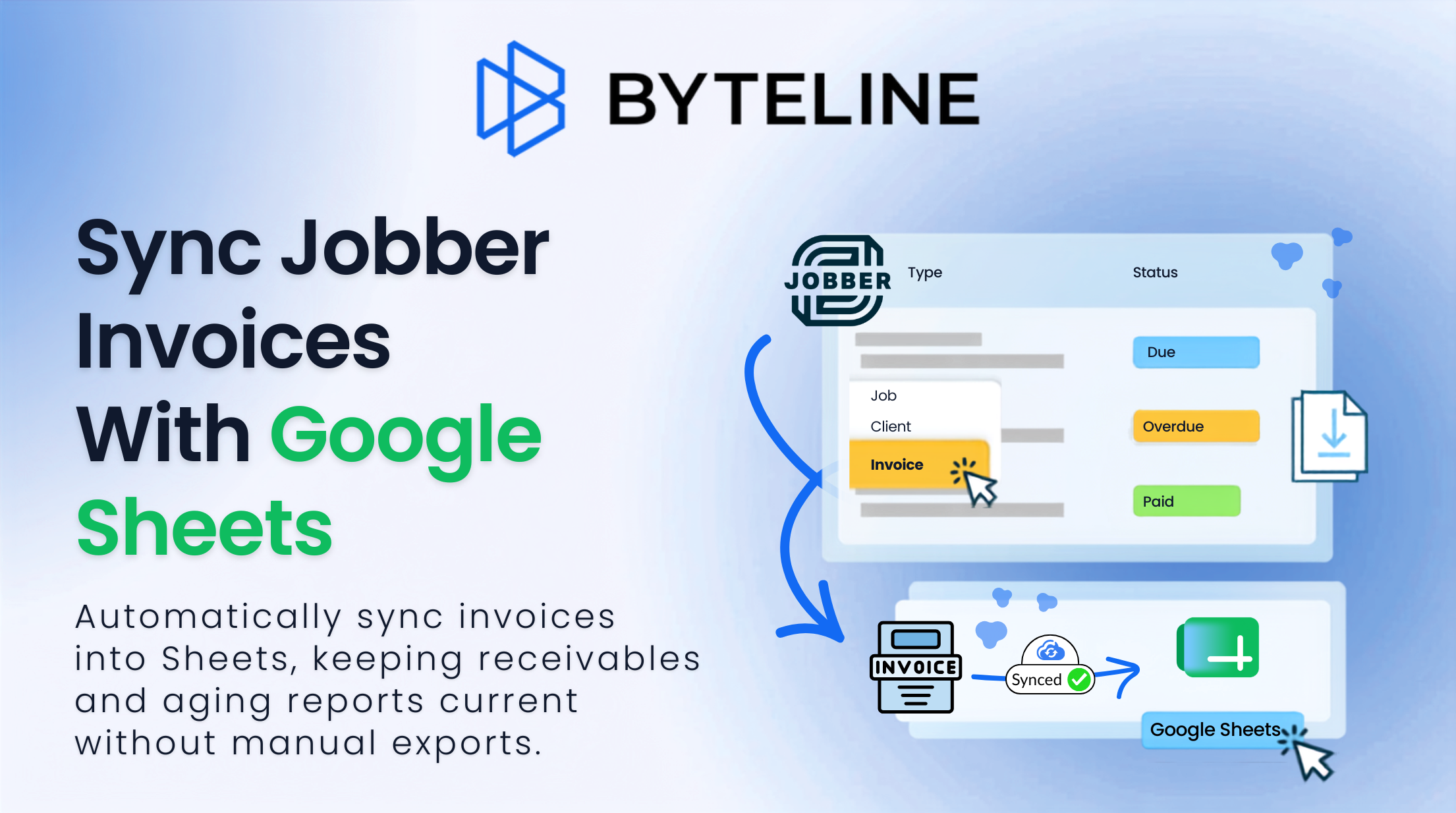
Keep your jobs, clients, invoices, and requests automatically updated in one spreadsheet. Build reports, dashboards, and custom views without exporting data from Jobber.

How we make your apps talk to each other

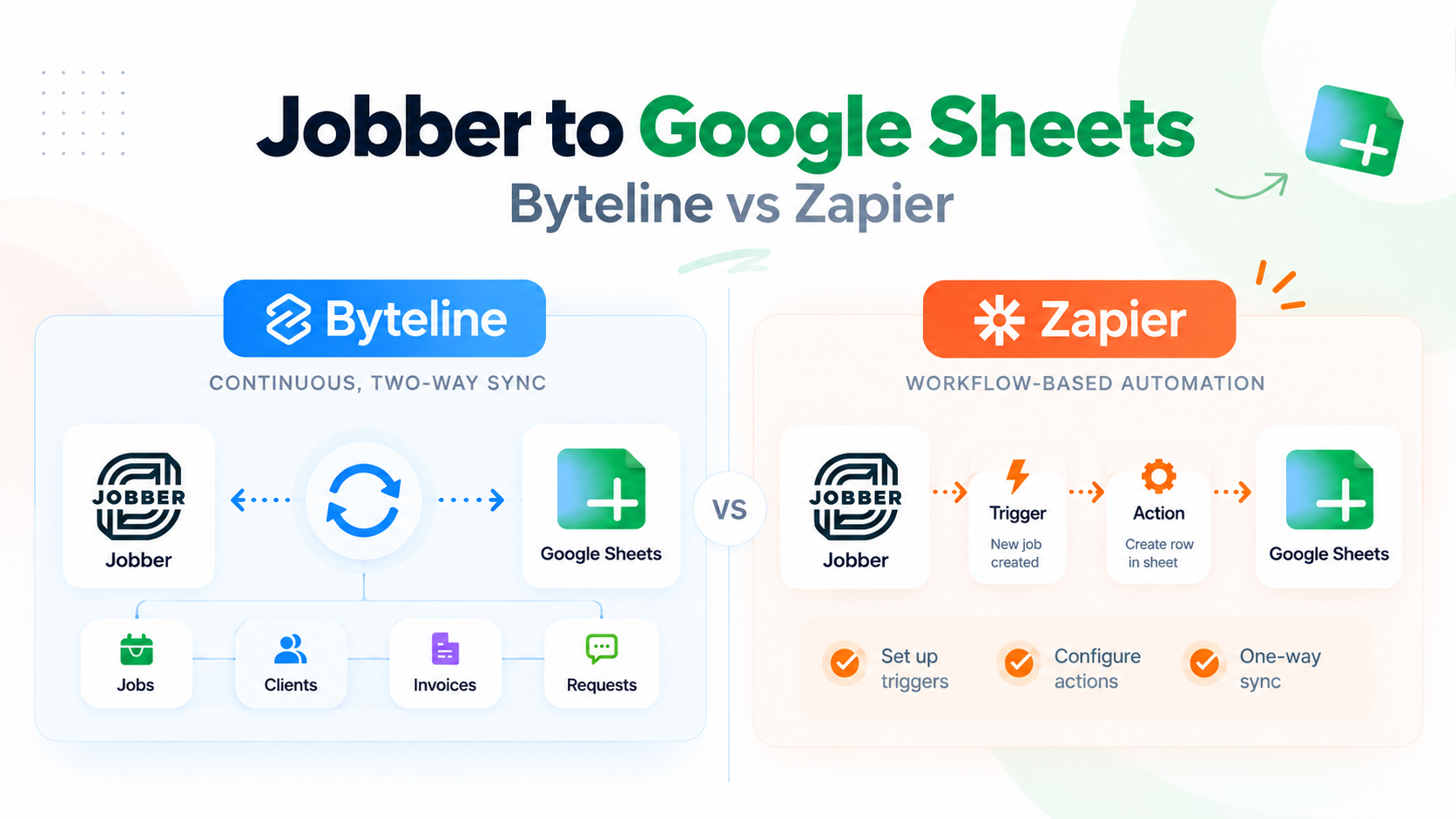
One & Two-way sync
Update data in both apps, ensuring changes are in-line everywhere.
Existing + real-time data
Sync existing data and changes made in one app are reflected instantly in the destination app.
Background syncing
We monitor for changes 24/7 when your sync goes live even when you’re not watching.
Record filtering & grouping
Add data conditions and conditional groups to sync only the info you want.

Sync Jobber with your other apps in minutes using Byteline

No items found.

Application details

About
Jobber
This is a sub title to explain the title
Jobber is a business management software built for home service businesses such as landscaping, plumbing, HVAC, cleaning, and contracting. It helps small to mid-sized service providers manage operations more efficiently. Customers often use Jobber alongside other tools like CRMs, email marketing platforms, spreadsheets, or accounting software where keeping data aligned is essential for smooth operations.
App category
Project Management
Plan availability
This is a sub title to explain the title
Guest
Trial
Starter
Growth
Pro
Highlighted special support
Supported fields

Field

One-way

Data moves in a single direction—from Jobber to the connected app.

Two-way

Data is kept in sync both ways between Jobber and the connected app.
No items found.

Issue field

One-way

Data moves in a single direction—from Jobber to the connected app.

Two-way

Data is kept in sync both ways between Jobber and the connected app.
No items found.

Issue field

One-way

Data moves in a single direction—from Jobber to the connected app.

Two-way

Data is kept in sync both ways between Jobber and the connected app.
No items found.

Issue field

One-way

Data moves in a single direction—from Jobber to the connected app.

Two-way

Data is kept in sync both ways between Jobber and the connected app.
No items found.

Issue field

One-way

Data moves in a single direction—from Jobber to the connected app.

Two-way

Data is kept in sync both ways between Jobber and the connected app.
No items found.

Issue field

One-way

Data moves in a single direction—from Jobber to the connected app.

Two-way

Data is kept in sync both ways between Jobber and the connected app.
No items found.

Issue field

One-way

Data moves in a single direction—from Jobber to the connected app.

Two-way

Data is kept in sync both ways between Jobber and the connected app.
No items found.

Issue field

One-way

Data moves in a single direction—from Jobber to the connected app.

Two-way

Data is kept in sync both ways between Jobber and the connected app.
No items found.

Issue field

One-way

Data moves in a single direction—from Jobber to the connected app.

Two-way

Data is kept in sync both ways between Jobber and the connected app.
No items found.

Issue field

One-way

Data moves in a single direction—from Jobber to the connected app.

Two-way

Data is kept in sync both ways between Jobber and the connected app.
No items found.

Issue field

One-way

Data moves in a single direction—from Jobber to the connected app.

Two-way

Data is kept in sync both ways between Jobber and the connected app.
No items found.

Issue field

One-way

Data moves in a single direction—from Jobber to the connected app.

Two-way

Data is kept in sync both ways between Jobber and the connected app.
No items found.

Field

One-way

Data moves in a single direction—from Jobber to the connected app.

Two-way

Data is kept in sync both ways between Jobber and the connected app.

Billing type

-
-

Arrival window ends at

-
-

Arrival window starts at

-
-

Jobber web uri

-
-

Job type

-
-

Job number

-
-

Job status

-
-

Client ID

Decoded client ID for reference or display
-
-

Encoded client ID

Encoded ID used to access the record via API
-
-

Updated at

Copied from the invoice that holds this line item
-
-

Created at

Copied from the invoice that holds this line item
-
-

Customer

Name, first name, last name, company, email, and phone expand from the customer
-
-

Jobber encoded line item ID

Encoded ID used to access the record via API
-
-
Byteline enables businesses to automatically manage data movement between Jobber and your other apps.

If you can think it,
we can sync it

Start free trial
14-day free trial · No credit card required
This is some text inside of a div block.