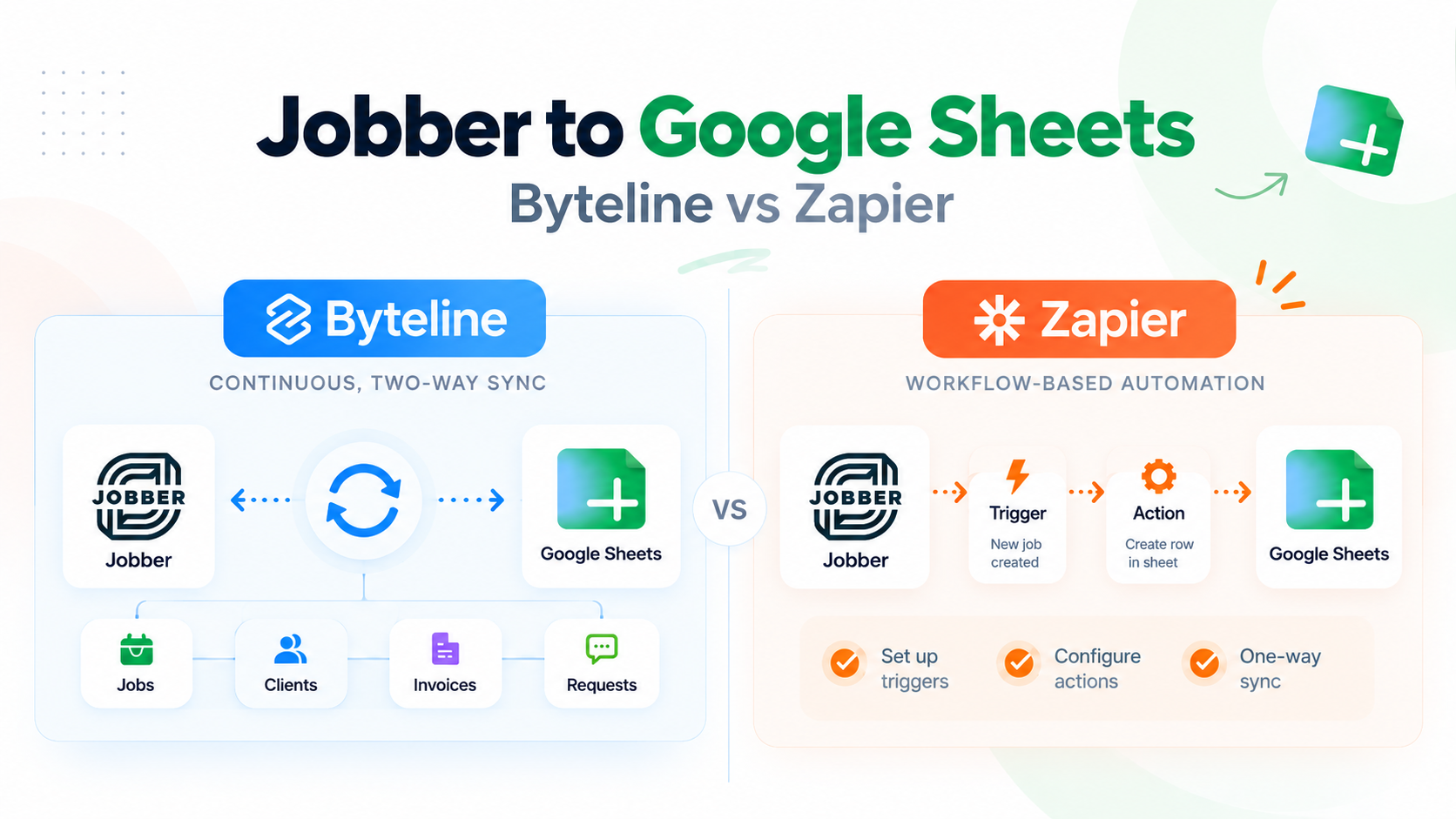
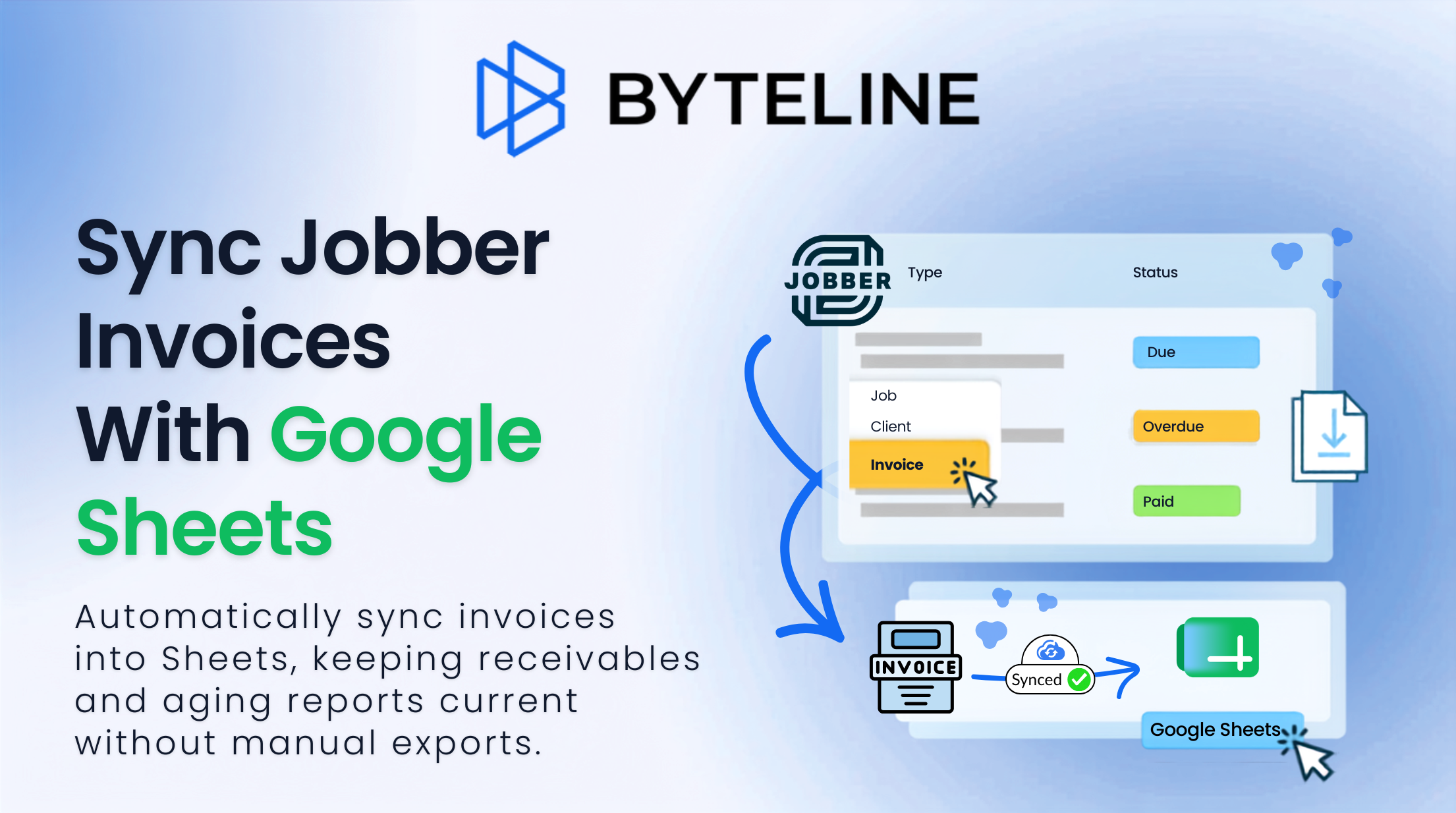
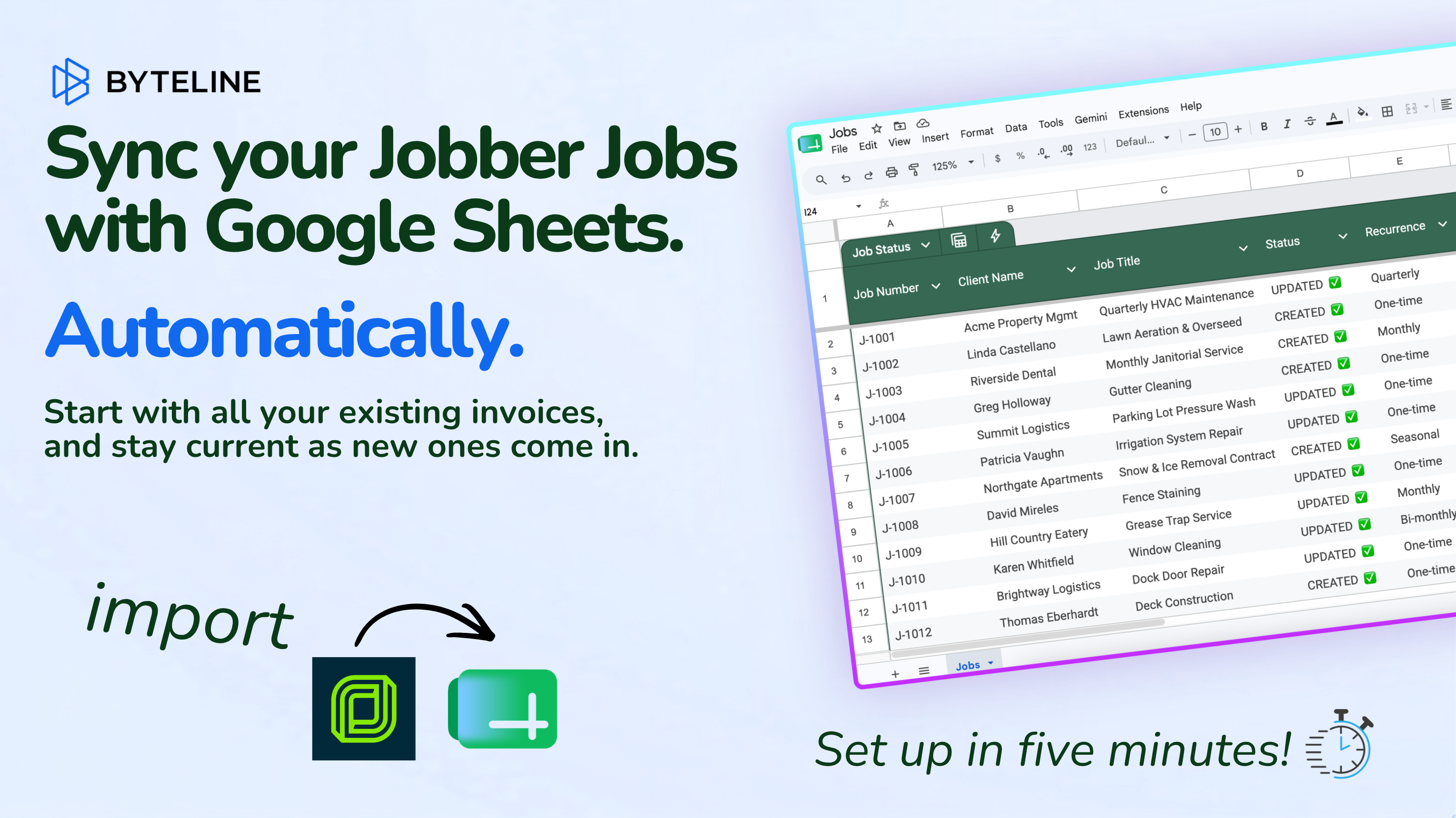
Data syncing is the process of ensuring that data is consistent across your platforms. Whenever a change is made in one location, those changes are reflected in other locations in real-time based on filters, matched fields and direction.
What data can be synced?
Airtable
Jobber
How to configure your sync
STEP 1
Select Apps
Select the apps you’d like to sync from our library of apps
Step 2
Configure Tables & Fields
Map the tables & fields that you would like to sync.
Step 3
Pick Sync Type
Choose between importing your existing data, syncing future data or both!
Airtable is a cloud-based platform that combines the simplicity of a spreadsheet with the power of a relational database, making it easy to organize, connect, and collaborate on structured information. Users sync data with Airtable to turn it into a dynamic, connected system that reflects updates across tools and teams for form submissions, site content, reporting, operations and fulfillment.
Project Management
About
Jobber
Jobber is a business management software built for home service businesses such as landscaping, plumbing, HVAC, cleaning, and contracting. It helps small to mid-sized service providers manage operations more efficiently. Customers often use Jobber alongside other tools like CRMs, email marketing platforms, spreadsheets, or accounting software where keeping data aligned is essential for smooth operations.
Related Airtable - Jobber Articles
Use case
Jobber
Google Sheets
How to Get Jobber Invoices into Google Sheets (and Keep Them Updated): A Bookkeeper’s Guide
June 19, 2026
2 min to read
Use case
Jobber
Google Sheets
Jobber Jobs in Google Sheets: Set Up a Live Job Board, Then Build These 5 Reports
June 19, 2026
2 min to read
Use case
Jobber
Google Sheets
3 Ways to Get Your Jobber Client List into Google Sheets (Only One Stays Current)
June 19, 2026
2 min to read
Features that just make sense
Real-time updates
Changes made in one app are reflected instantly in the destination app.
Import data
Sync existing data without having to start from scratch.
Record filtering & grouping
Add data conditions and conditional groups to sync only the info you want.
Secure data
Secure data handling with built-in encryption & integrity protections.
AI Assisted
Set up is faster and easier with the help of AI during setup.
Background syncing
We monitor for changes 24/7 when your sync goes live even when you’re not watching.