
Case study
Relevant apps:
What's the Difference Between Byteline and Make?
If you're researching ways to connect your business tools and keep data flowing between them, you've probably come across both Byteline and Make.com. At first glance, they seem to do the same thing, both help you manage information across different systems. But dig a little deeper, and you'll find they're actually solving different problems in different ways.
This matters because choosing the wrong tool doesn't just waste money. It can lock you into complex workflows that require constant maintenance, surprise you with escalating costs, or leave you dependent on technical resources you don't have. Let's break down what each platform actually does, where they excel, and most importantly, how to know which one you actually need.
Who These Tools Are For
Before we dive into the details, it's worth understanding who typically uses each platform, because that tells you a lot about what they're designed to do.
Make.com is built for technical users, developers, and teams with dedicated automation specialists. These are folks who are comfortable with concepts like API endpoints, data transformations, conditional logic, and debugging complex workflows. If you have developers on staff or team members who enjoy diving into technical challenges, Make.com gives them powerful tools to build sophisticated automations.
Byteline, on the other hand, is designed for non-technical SMB owners. People who need their systems to work together but don't want to become automation experts to make it happen. If you're thinking "I just need my CRM and project management tool to stay in sync" rather than "I want to build a complex workflow with branching logic," Byteline is built for you.
The distinction matters because it shapes everything about how these platforms work, how they're priced, and what kind of ongoing commitment they require from your team.
What Make.com Does Well
Make.com (formerly Integromat) is a powerful automation platform that lets you build sophisticated workflows between different apps and services. Think of it as a visual programming environment where you can create "if this, then that" logic, but way more advanced than that simple description suggests.
The platform shines when you need to orchestrate complex business processes. Let's say a customer fills out a form on your website. With Make.com, you can trigger a workflow that creates a lead in your CRM, sends a notification to Slack, adds them to a specific email sequence based on what they selected, creates a task in your project management tool, and updates a Google Sheet for reporting. All of this happens automatically, and you can see the entire flow visualized in Make's colorful canvas interface.
For technical users or teams with development resources, Make.com is incredibly powerful. You can handle conditional logic (if X happens, do Y, otherwise do Z), loop through data sets, transform information between different formats, call APIs, and build branching workflows that adapt based on the data flowing through them. It's like having a developer automate your business processes without writing traditional code.
Where Make.com Gets Complicated
Here's where things start to get tricky. That same power and flexibility that makes Make.com so capable also makes it complex, especially when your needs evolve over time.
Let's use a real-world example. Your sales team uses Salesforce to track deals, and your delivery team manages projects in ClickUp. Initially, you need a simple handoff: when a deal closes in Salesforce, create a project in ClickUp with the basic details. A developer (or technically savvy team member) sets this up in Make.com. It works great. The visual workflow has maybe 8-10 steps, and everyone's happy.
Fast forward six months. Your business process has evolved. Now you need to:
- Sync custom fields between both systems
- Handle different deal types that create different project templates
- Update forecast data back in Salesforce when project milestones are hit
- Account for project reassignments and cancellations
- Track time entries from ClickUp back to Salesforce opportunities
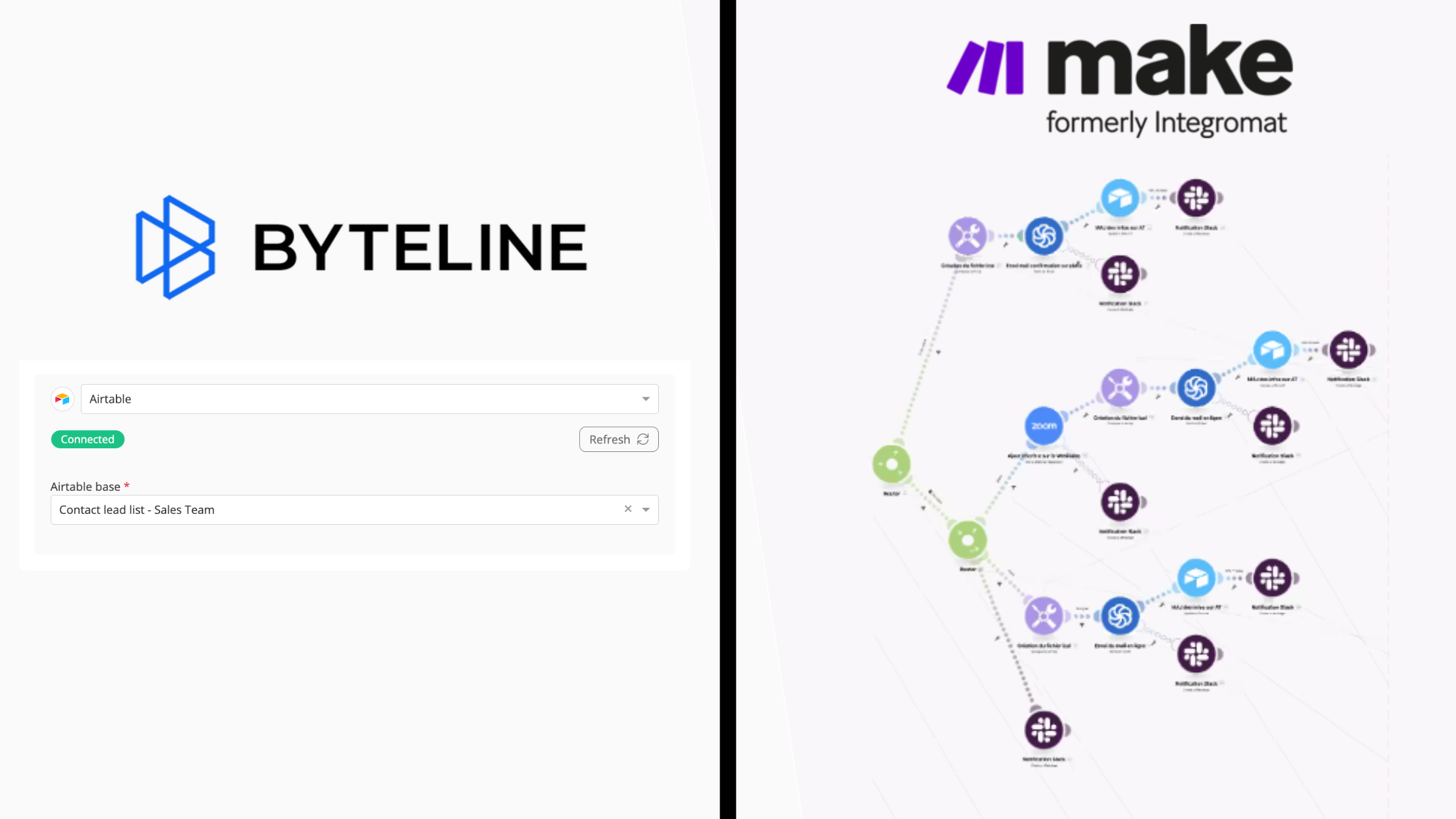
What started as a clean, logical workflow has now become a sprawling diagram with 35+ modules, multiple routers handling different scenarios, error handlers catching edge cases, and conditional paths that branch in every direction. It looks like spaghetti. And here's the real problem: the person who built it has moved on to another project.
When something breaks (and it will), you're faced with:
- Debugging a complex visual workflow where data flows through multiple branches
- Understanding why certain routers are configured the way they are
- Figuring out which of the operations is causing the failure
- Testing every possible path to make sure your fix doesn't break something else
This is the hidden cost of Make.com that doesn't show up in pricing comparisons. It's the ongoing maintenance burden. Every time your business logic changes, someone needs to dive back into those workflows, understand the existing setup, modify the branching paths, add new conditions, and test everything thoroughly.
The Hidden Costs of Complexity
Beyond the maintenance headaches, Make.com's billing model can create some unpleasant surprises. The platform charges based on "operations" and what counts as an operation isn't always obvious.
Every action in your workflow counts. That makes sense. But so does every polling trigger (when Make checks if something has changed), every data transformation, every routing decision, and even failed runs. Those internal operations happening behind the scenes—the ones you didn't explicitly configure, all count toward your monthly limit.
This means your costs can spike unexpectedly. One month you're at 15,000 operations and feeling good about your $29/month plan. The next month you suddenly hit 40,000 operations and you're not entirely sure why. Maybe your data changed more frequently. Maybe some workflows encountered errors and had to retry. Maybe the complexity you added last month is generating more internal operations than you realized.
The unpredictability makes budgeting difficult. And as your workflows grow more complex to handle more sophisticated business logic, those operation counts tend to grow even faster than your actual business activity would suggest. You end up paying not just for the useful work being done, but for all the computational complexity required to figure out what work needs to be done.
How Byteline Is Different
Byteline takes a fundamentally different approach because it's solving a different problem. Instead of building general-purpose automation workflows, Byteline is purpose-built specifically for one thing: keeping data aligned between systems.
Think about the Salesforce and ClickUp example again. With Byteline, you're not building a workflow with branches and conditions and error handlers. You're defining a simple relationship: these records in Salesforce correspond to these records in Monday.com, and these fields should stay in sync.
Here's what that looks like in practice:
- You connect your Salesforce account and your clickUp account
- You map which Salesforce objects correspond to which clickUp boards
- You define which fields should sync and in which direction
- Byteline handles everything else automatically
The complexity of two-way sync, conflict resolution when both systems change simultaneously, field mapping between different data structures, handling creates versus updates—all of that happens under the hood. You don't need to understand branching logic or build separate scenarios for each direction. You don't need a developer to set it up or maintain it.
When your business process changes and you need to sync additional fields or adjust how data maps between systems, you update the field mappings. You're not rebuilding an automation scenario or debugging a visual workflow. You're just adjusting what syncs where.
And the pricing is straightforward: you pay per record, not per operation. Whether that Salesforce opportunity syncs to ClickUp once and never changes, or updates 50 times throughout the month as the deal progresses, the cost is the same. No surprise spikes. No unpredictable operation counts. Just simple, transparent pricing based on how many records you're keeping in sync.
For detailed implementation guides and technical documentation, check out our comprehensive docs.
Common Use Cases for Byteline
While Make.com can handle countless different automation scenarios, Byteline excels at specific data syncing challenges that businesses face every day. Here are some of the most common situations where teams turn to Byteline:
Sales to Delivery Handoffs
Your sales team closes deals in Salesforce, HubSpot, or Pipedrive, but your delivery team manages client work in ClickUp, Airtable, or Notion. You need closed deals to automatically create projects with all the relevant details, and as projects progress, that information needs to flow back to your CRM for account management and forecasting. Byteline keeps both systems aligned without building complex workflows for each direction.
Content and Website Management
Your marketing team manages content in Notion or Airtable while your website runs on Webflow, Squarespace, or Wix. When content is ready to publish, it needs to flow to your CMS, and when updates happen in either system, both should stay in sync. Product catalogs maintained in Airtable or Google Sheets need to sync with your Shopify store. Byteline ensures your content and product data stays aligned across systems without manual updates or building separate workflows.
Customer and Contact Data Synchronization
Your sales team works in Salesforce or HubSpot, but your email marketing runs through Mailchimp or Campaign Monitor, and your customer communication happens via Microsoft Outlook or Google Contacts. Every system needs access to current contact information, but manually updating multiple databases is time-consuming and error-prone. Byteline keeps contact records, customer data, and communication lists synchronized across all platforms automatically.
E-commerce and Fulfillment Operations
Your online store runs on Shopify, but you need order data flowing to QuickBooks for accounting, inventory information syncing with Airtable or Google Sheets for tracking, and fulfillment details updating Printful or other fulfillment services. Customer payment information from Stripe needs to reconcile with your accounting system. Byteline keeps your e-commerce ecosystem aligned so orders, inventory, and financial data stay consistent across every platform.
When to Choose Which Tool
So how do you know which one you actually need? It comes down to what problem you're trying to solve.
Choose Make.com when you need to orchestrate complex business processes that involve more than just keeping data in sync. If you're building workflows that need to make decisions, transform data in sophisticated ways, trigger multiple actions based on conditions, or integrate processes across many different systems with complex logic—and you have the technical resources to build and maintain those workflows—Make.com gives you the power to do that.
Choose Byteline when your core need is keeping data aligned between two (or more) systems, and you want that to happen reliably without becoming a technical project. If you need bidirectional sync where data flows both directions, if you want predictable costs, if you don't have dedicated technical resources for maintaining complex workflows, or if you just want your systems to stay in sync without thinking about it—Byteline is purpose-built for exactly that.
Here's a simple litmus test: Ask yourself whether you need "automation workflows" or "data alignment." If you're describing a process with multiple steps, conditions, and actions that need to happen in sequence, you probably need automation. If you're describing systems that need to have the same information and stay up to date with each other, you need data syncing.
The Bottom Line
Byteline and Make.com aren't really competitors, they're different tools for different jobs. Make.com is a powerful automation platform that gives technical users the ability to build sophisticated workflows. It's incredibly capable, but that capability comes with complexity, maintenance burden, and billing that can be hard to predict.
Byteline is a data syncing platform that keeps your systems aligned without requiring you to become an automation expert. It's simpler, more predictable, and purpose-built for the specific challenge of bidirectional data sync.
The best choice depends entirely on what you're trying to accomplish. If you need to automate complex business processes and have the technical resources to maintain them, Make.com might be the right fit. But if you just need your data to stay in sync across systems—without the complexity, without the maintenance headaches, and without surprise costs—that's exactly what Byteline is designed to do.
Ready to see how simple data syncing can be? Start your free trial of Byteline today and connect your first systems in minutes—no developer required. Or if you'd like to discuss your specific use case, talk to someone from our team and we'll show you exactly how Byteline can keep your systems in sync.