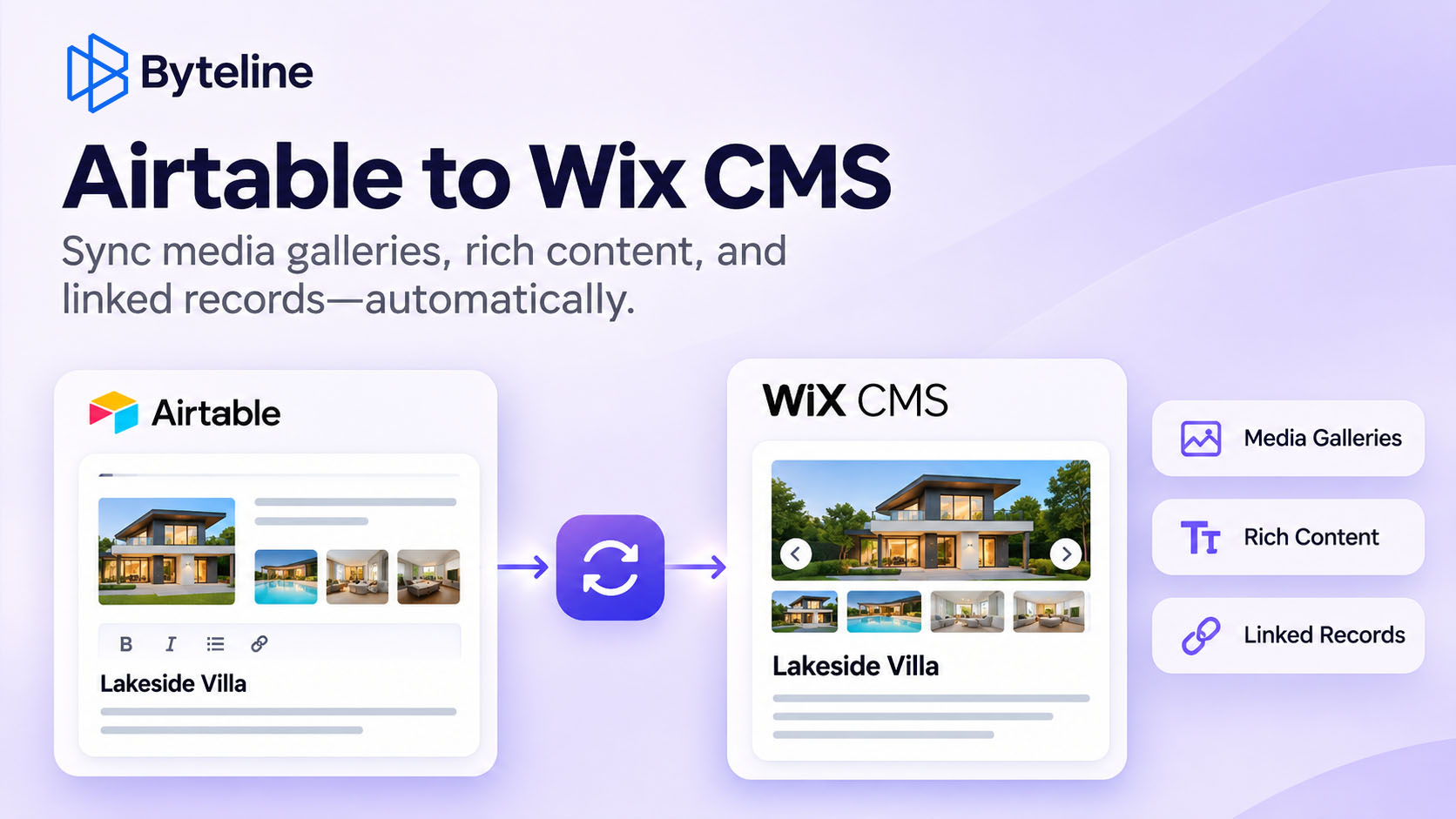
Use case
Relevant apps:
How to Sync Airtable to Wix CMS: Media Galleries, Rich Content & References
1. Sync Airtable Attachments to Wix Media Gallery
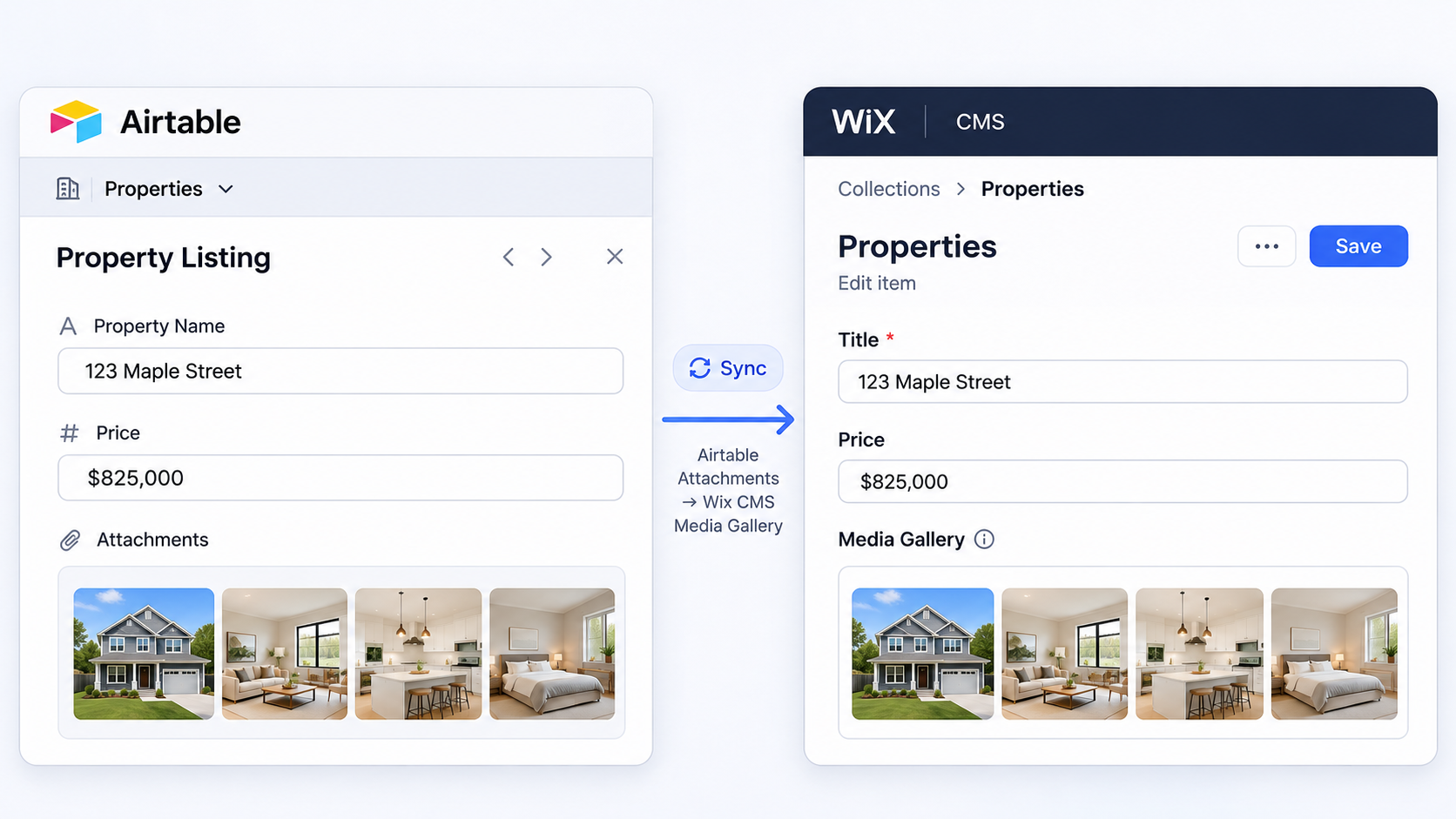
If you store multiple images in an Airtable attachment field, you may want those images to appear in a Wix CMS Media Gallery field.
For example, imagine managing a real estate website. Each property in Airtable has an attachment field containing multiple photos. You want those photos to appear in a gallery on the corresponding Wix property page.
Byteline supports mapping Airtable attachment fields to Wix CMS Media Gallery fields, allowing you to sync multiple images associated with a record.
This is useful for:
- Real estate listings with multiple property photos
- Product catalogs with image galleries
- Portfolio websites showcasing project photos
- Travel and hospitality websites with location images
Instead of manually uploading images to Wix whenever your Airtable records change, you can keep your CMS media gallery synchronized.
2. Sync Airtable Rich Text to Wix Rich Content
Content-rich websites often store articles, descriptions, and other long-form content in Airtable.
When publishing this information to Wix CMS, you may need more than a plain-text field. You want your content to retain its structure and formatting.
Wix offers a Rich Content field designed for formatted content, including headings, paragraphs, links, lists, and media.
Byteline supports syncing to Wix CMS Rich Content fields, including major elements such as:
- Headings, paragraphs, and formatted text
- Bold, italic, underline, and other text styling
- Bulleted and numbered lists
- Hyperlinks
- Images and embedded content
This makes Byteline useful for websites that manage content externally in Airtable while using Wix CMS to publish it.
For example, a content team can manage articles in Airtable and synchronize them with the corresponding Wix CMS collection.

3. Automatically Sync Linked Records Across Airtable and Wix CMS Collections
Syncing multiple Airtable tables to Wix CMS can become complicated when records reference each other. If a referenced record doesn't exist in Wix CMS yet, many synchronization approaches require additional configuration or manual intervention.
Byteline handles these relationships automatically within a single sync, even when records span multiple tables and collections.
Example: Properties and Real Estate Agents
Imagine managing a real estate website with two Airtable tables:
- Properties: Contains property listings, prices, descriptions, photos, and linked agents.
- Agents: Contains agent names, contact information, biographies, and profile photos.
In Wix CMS, you have two corresponding collections: Properties and Agents.
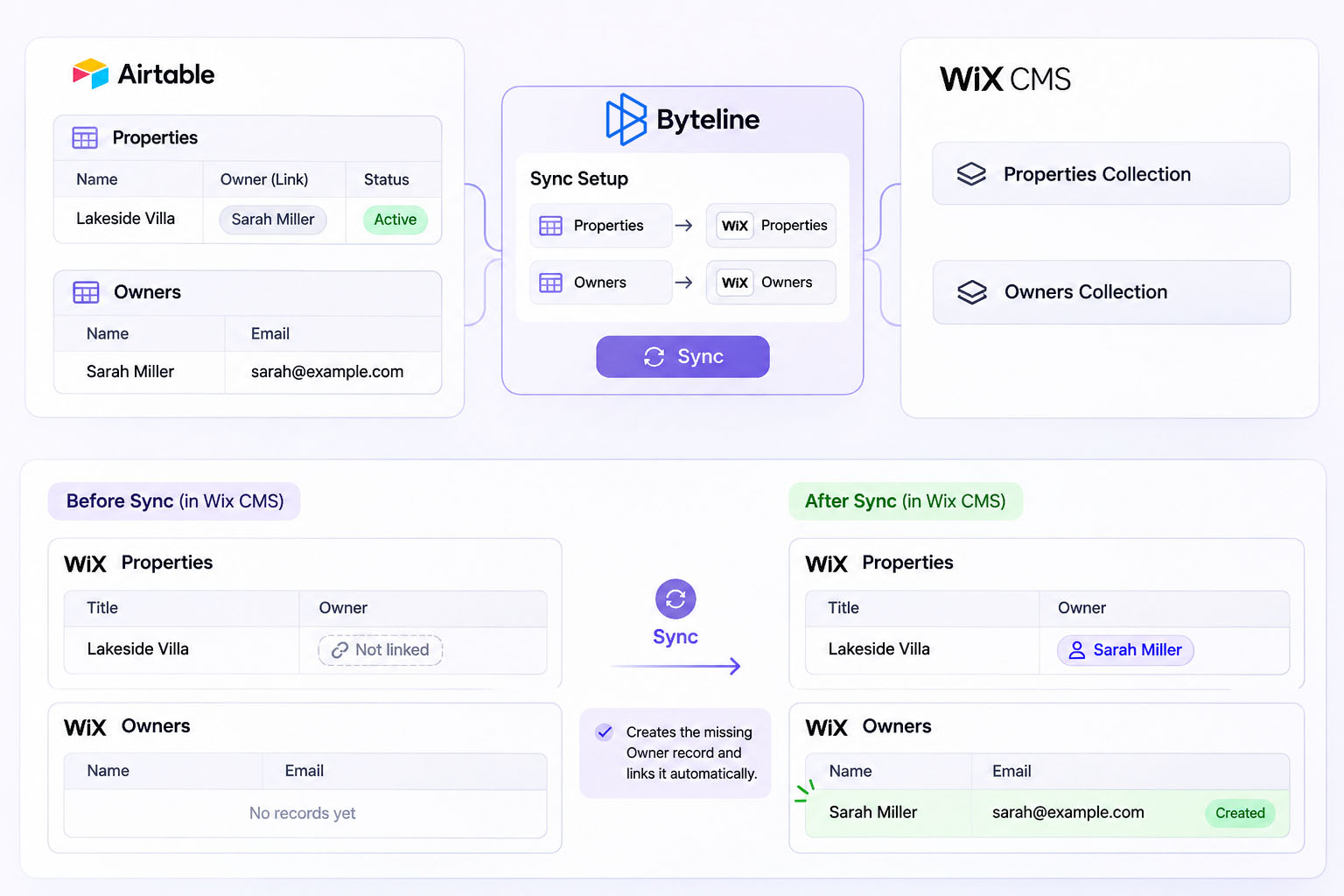
With Byteline, you create one sync and map both Airtable tables to their corresponding Wix CMS collections:
- Airtable Properties → Wix CMS Properties
- Airtable Agents → Wix CMS Agents
Byteline takes care of the relationships and dependencies between them.
What Happens When a Referenced Agent Doesn't Exist?
Suppose you add a new property in Airtable and link it to an agent named Sarah Johnson.
When Byteline processes the property, it discovers that Sarah Johnson doesn't yet exist in the Wix CMS Agents collection.
Here's what happens automatically:
- Detects the missing reference: Identifies that the property references an agent who doesn't exist in Wix CMS.
- Retrieves the related record: Looks up Sarah Johnson in the Airtable Agents table and retrieves her details, including contact information, biography, and photo.
- Creates the missing agent: Uses the configured field mappings to create Sarah Johnson in the Wix CMS Agents collection.
- Establishes the relationship: Creates or updates the property record with a reference to the newly created agent.
The result is two correctly populated Wix CMS records with their relationship intact.
One Sync. Multiple Collections. Relationships Handled Automatically.
You don't need to create separate syncs for each table, manually synchronize records in a particular order, or build custom automations to resolve missing references.
Byteline manages record dependencies within a single sync, helping keep interconnected data consistent across Airtable and Wix CMS.
This is especially useful for:
- Real estate websites: Properties and agents
- E-commerce catalogs: Products and categories
- Publishing websites: Articles and authors
- Business directories: Businesses and locations
Whether you're working with Wix CMS Reference or Multi-reference fields, Byteline helps you synchronize related records across collections without writing code.
What About Other Airtable and Wix CMS Fields?
Byteline also supports common field types such as text, numbers, dates, and other standard data fields.
You can configure field mappings, choose the sync direction, synchronize existing records, and keep subsequent changes updated automatically.
Explore the supported fields for Airtable and Wix.
Start Syncing Airtable to Wix CMS with Byteline
Whether you're managing product catalogs, property listings, articles, or other content-rich websites, keeping Airtable and Wix CMS synchronized shouldn't require manual updates.
Byteline lets you connect the two platforms, map your fields, and keep your content updated automatically.
Ready to connect Airtable and Wix CMS?
Start your 14-day free trial and set up your first sync without writing code.