Use case
Relevant apps:
Sync Airtable with Framer CMS to Automatically Update Your Website (No-Code Guide)
The Problem: Managing Data Across Two Tools
At first, using Airtable and Framer together feels like the perfect combo. Airtable gives you flexibility to manage structured data, while Framer helps you design and publish beautiful websites.
But as your data grows, things start to break down.
You update records in Airtable, but those changes don’t reflect on your website unless you manually update them in Framer CMS. That means logging into two different systems, copying data back and forth, and hoping nothing gets missed along the way.
Over time, this leads to a few common issues:
- Duplicate work every time something changes
- Outdated content showing up on your website
- Human errors from manual copy-paste
- Increasing time spent just “keeping things in sync”
What started as a clean workflow becomes a constant maintenance task. And the more data you manage, the worse it gets.
The Ideal Outcome: One Update, Everywhere
Now imagine a different setup.
You make a change once in Airtable—and that’s it. Your website updates automatically, without any manual intervention.
No switching tabs. No duplicate data entry. No second-guessing whether your site is up to date.
Everything stays aligned in real time, so your website always reflects your latest data. Whether you’re updating job listings, blog content, directories, or product information, the process becomes effortless.
This is what a proper Airtable Framer integration should feel like.
A Real Example: Managing a Job Board with Airtable and Framer
Let’s make this more concrete.
Say you’re running a job board. You store all your job listings in Airtable—titles, descriptions, locations, and statuses. It’s easy to manage, filter, and collaborate with your team there.
But your public-facing job board lives on Framer.
Without a sync, every time you add or update a job, you have to manually update the Framer CMS. That’s not just tedious—it’s risky. One missed update, and your website is already out of sync.
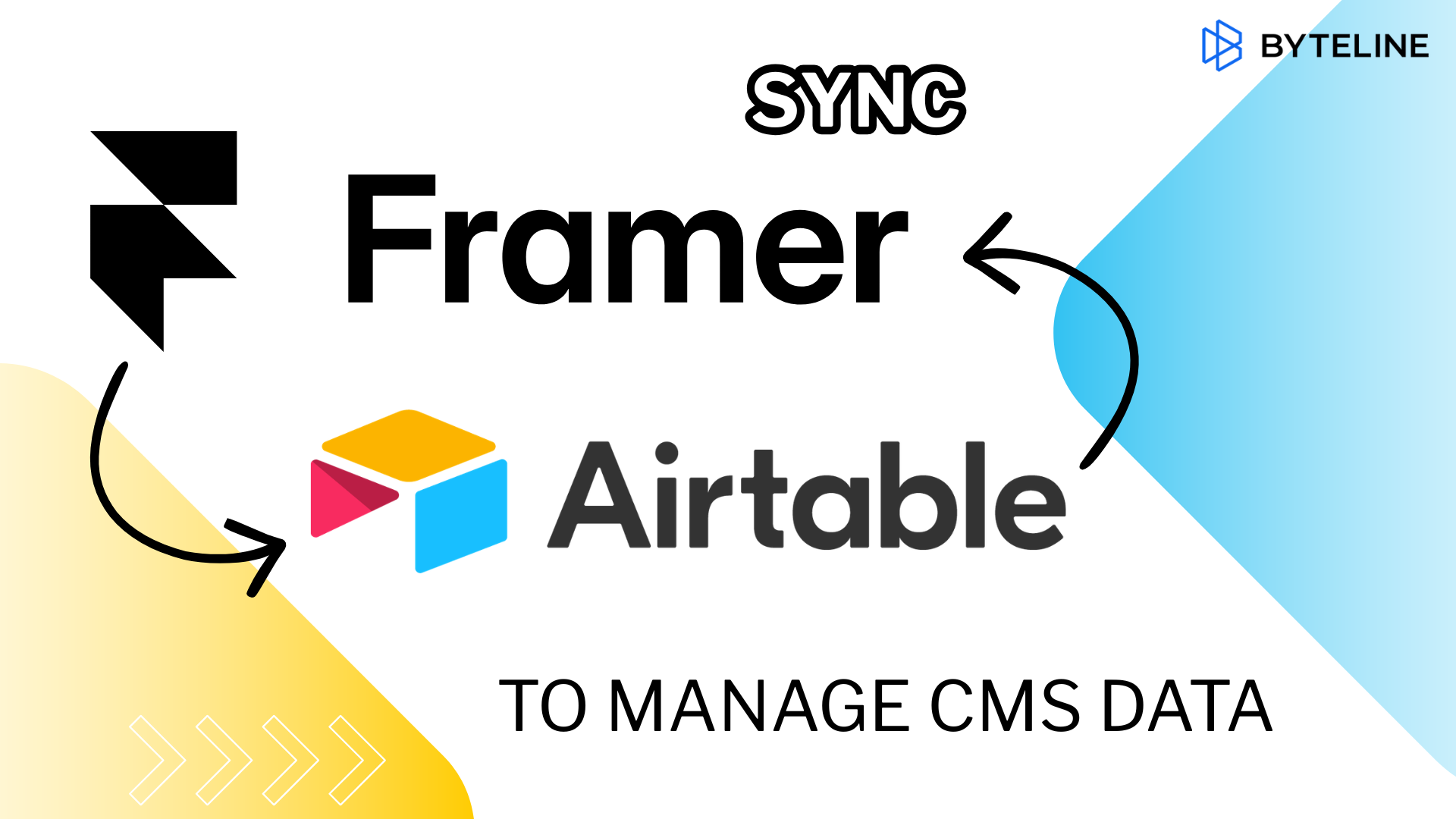
With an airtable to framer cms sync, your Airtable base effectively becomes your backend.
- Add a new job in Airtable → it appears on your website
- Update a job description → it updates instantly on Framer
- Remove a listing → it disappears from your site
Your website stays current without extra effort. This is exactly the kind of workflow demonstrated in the companion video for this article.
How the Airtable to Framer CMS Sync Works
Instead of treating Airtable and Framer as separate systems, Byteline connects them into a single, continuous data flow.
At a high level, it creates a live connection that keeps both sides in sync—so you can sync Airtable with Framer without manual intervention.
Here’s what that looks like in practice:
- One-way or two-way sync:
You can push data from Airtable to Framer, or enable a two-way sync Airtable Framer setup if needed - Sync existing and new data:
Not just future updates—your current data gets synced as well - Real-time updates:
Changes in Airtable are reflected in Framer CMS automatically - No coding required:
Everything is handled without building custom APIs or scripts
If you want to dive deeper into setup and configuration, you can check out the detailed documentation here:
👉 https://www.byteline.io/docs/article/8nn630z2cb-framer-data-sync
Why This Approach Works So Well
Once you set up Airtable as your backend for Framer, everything becomes simpler.
You’re no longer juggling two systems—you’re managing one source of truth that powers your website.
- ✅ Single source of truth (Airtable)
- ✅ Automatic website updates
- ✅ No manual CMS work
- ✅ No coding required
- ✅ Scales as your data grows
This is especially powerful if your content changes frequently. Instead of constantly maintaining your CMS, you focus on managing your data—while your website takes care of itself.
Who This Is For
This kind of workflow isn’t just for developers—it’s built for people who want to move fast without dealing with technical complexity.
If you see yourself in any of these roles, this setup will likely resonate:
- Marketers managing content and campaigns
- Founders running job boards or directories
- Teams using Airtable as a backend
- Designers building sites in Framer
For these users, the biggest win is being able to avoid manual Framer CMS updates and eliminate the friction between data and design.
Stop Wasting Time on Manual Updates
When you remove the need to manually sync data, the benefits compound quickly.
You save hours every week that would otherwise go into repetitive updates. You eliminate mistakes caused by copying data between tools. And most importantly, your website always reflects the latest information.
No lag. No inconsistencies. No stress.
This is how you avoid duplicate data entry Airtable Framer workflows and finally create a system that scales with you.
Start Syncing Your Data Today
If you’re ready to simplify your workflow and keep your website automatically updated, it’s time to set up your airtable to framer cms sync.
Start syncing your data in minutes, eliminate manual work, and take full control of your content pipeline.
👉 Try Byteline for free and see how effortless your workflow can be.

.png)
.png)