Use case
Relevant apps:
How to Sync Airtable with Framer CMS Real-Time
How to Sync Airtable with Framer CMS (No-Code, Real-Time)
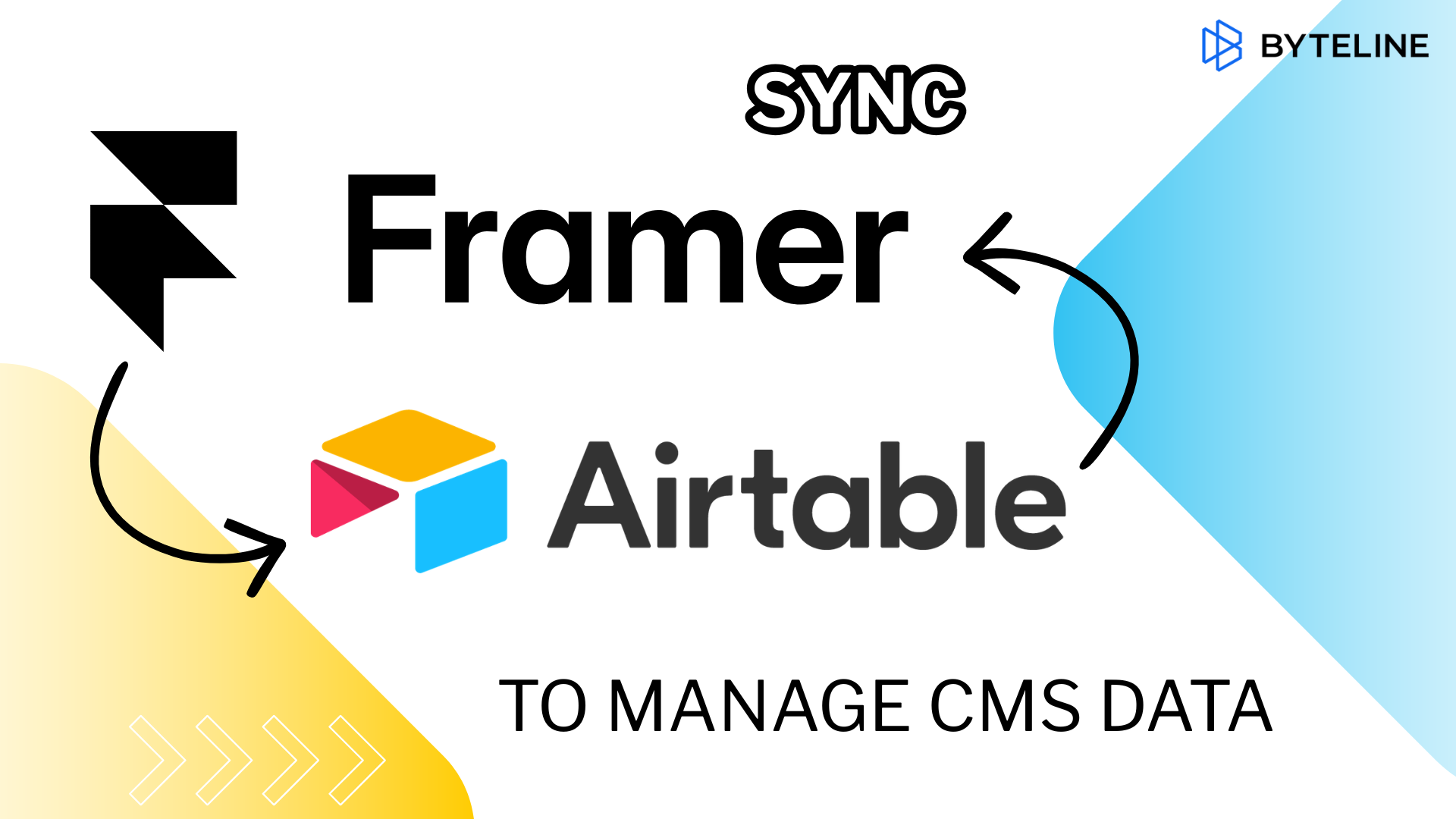
If you manage content in Airtable and publish your site on Framer, you already know the problem: every edit in Airtable means a second edit in Framer CMS. This guide shows you how to connect the two so your site updates automatically — no code, no copy-paste, no drift between your data and what's live.
By the end, you'll have a live sync running between an Airtable base and a Framer CMS collection in about 10 minutes.
Why sync Airtable with Framer CMS?
Airtable and Framer are great on their own. Airtable is where your team actually works — structured data, filters, collaborators, comments. Framer is where your site looks good and ships fast.
The gap is in the middle. Framer CMS doesn't natively pull from Airtable, so most teams end up maintaining both manually. That creates four predictable problems:
- Double data entry every time a record changes
- Stale content on the live site when someone forgets step two
- Copy-paste errors — wrong link, wrong price, wrong date
- Time tax that grows with your content volume
A real sync fixes all four at once. You edit Airtable. Framer updates itself.
How the Airtable to Framer CMS sync works
Byteline sits between Airtable and Framer and maintains a live connection between them. You pick a base and a table on the Airtable side, a CMS collection on the Framer side, and map the fields. After that, Byteline watches for changes and pushes them through automatically.
A few things to know about how it behaves:
- Existing records sync on day one. You don't start from scratch — everything currently in your Airtable table populates the Framer collection on the initial run.
- Updates propagate in near real time. Edit a record in Airtable, and the change shows up in Framer without a manual refresh.
- Deletions are handled. Remove a row in Airtable, and the corresponding CMS entry is removed from your site.
- One-way or two-way. Most people run Airtable → Framer (Airtable as the source of truth), but two-way sync is available if your team edits in both places.
- No code, no API keys to manage in code, no webhooks to maintain.
A real example: a job board running on Airtable + Framer
Imagine you run a job board. Your listings live in Airtable — title, description, company, location, status, posted date. Your team filters, sorts, and updates them there every day.
The public site is built in Framer. Without a sync, every new job means opening Framer CMS and recreating the record by hand. Every status change is a second edit. Every typo fix is two edits.
With the sync in place, the workflow collapses to one step:
- Add a job in Airtable → it appears on the site
- Update the description → the live listing updates
- Mark it closed or delete the row → it disappears from the site
Airtable effectively becomes the backend. Framer becomes the view layer.
Step-by-step: set up your Airtable–Framer sync
Here's the short version of the setup. The full walkthrough with screenshots is in the Byteline docs.
- Create a free Byteline account at console.byteline.io.
- Connect your Airtable account and choose the base and table you want to sync.
- Connect your Framer account and choose the target CMS collection.
- Map your fields — match Airtable columns to Framer CMS fields (text to text, date to date, image to image, etc.).
- Pick your sync direction — one-way (Airtable → Framer) or two-way.
- Turn the sync on. Byteline runs the initial sync, then keeps watching for changes.
That's it. From here, your website stays current as long as your Airtable base is current.
Who this setup is for
This workflow is built for people who want a clean content pipeline without hiring a developer. It tends to click for:
- Marketers managing blog posts, case studies, or campaign landing pages
- Founders running job boards, directories, or resource libraries
- Agencies delivering client sites on Framer with editable back-ends
- Designers who want clients to edit content in Airtable instead of Framer
- Ops and content teams already using Airtable as a lightweight CMS
If Airtable is where your content lives and Framer is where it ships, this is the bridge.
Frequently asked questions
Can I sync Airtable to Framer CMS without code?
Yes. Byteline handles the connection visually — you connect both accounts, map fields, and turn on the sync. No API code, no scripts.
Does the sync work in real time?
Near real time. Changes in Airtable propagate to Framer within seconds to a few minutes depending on your plan and volume.
Will it sync my existing Airtable records, or only new ones?
Both. The first sync pulls your existing records into Framer CMS. After that, every change in Airtable — new records, edits, deletions — flows through automatically.
Can I sync in both directions?
Yes. Two-way sync is supported if you want edits made in Framer to flow back to Airtable. Most teams pick one-way to keep Airtable as the single source of truth.
What happens if I delete a record in Airtable?
The corresponding entry is removed from your Framer CMS collection, and it disappears from the live site.
Do I need a paid Framer or Airtable plan?
You need a plan on each that allows CMS/API access. Check the docs for the current tier requirements on both sides.
Start syncing in under 10 minutes
Manual CMS updates are the kind of work that feels small until you add it up. An hour a week becomes fifty hours a year, and every hour carries the risk of something going live wrong.
A proper Airtable–Framer sync removes that work entirely. You manage one source of truth, and the site takes care of itself.
👉 Try Byteline free and get your first sync running today.

.png)
.png)